
Project files
Project directories, a file with line numbers and highlighting, images as images.
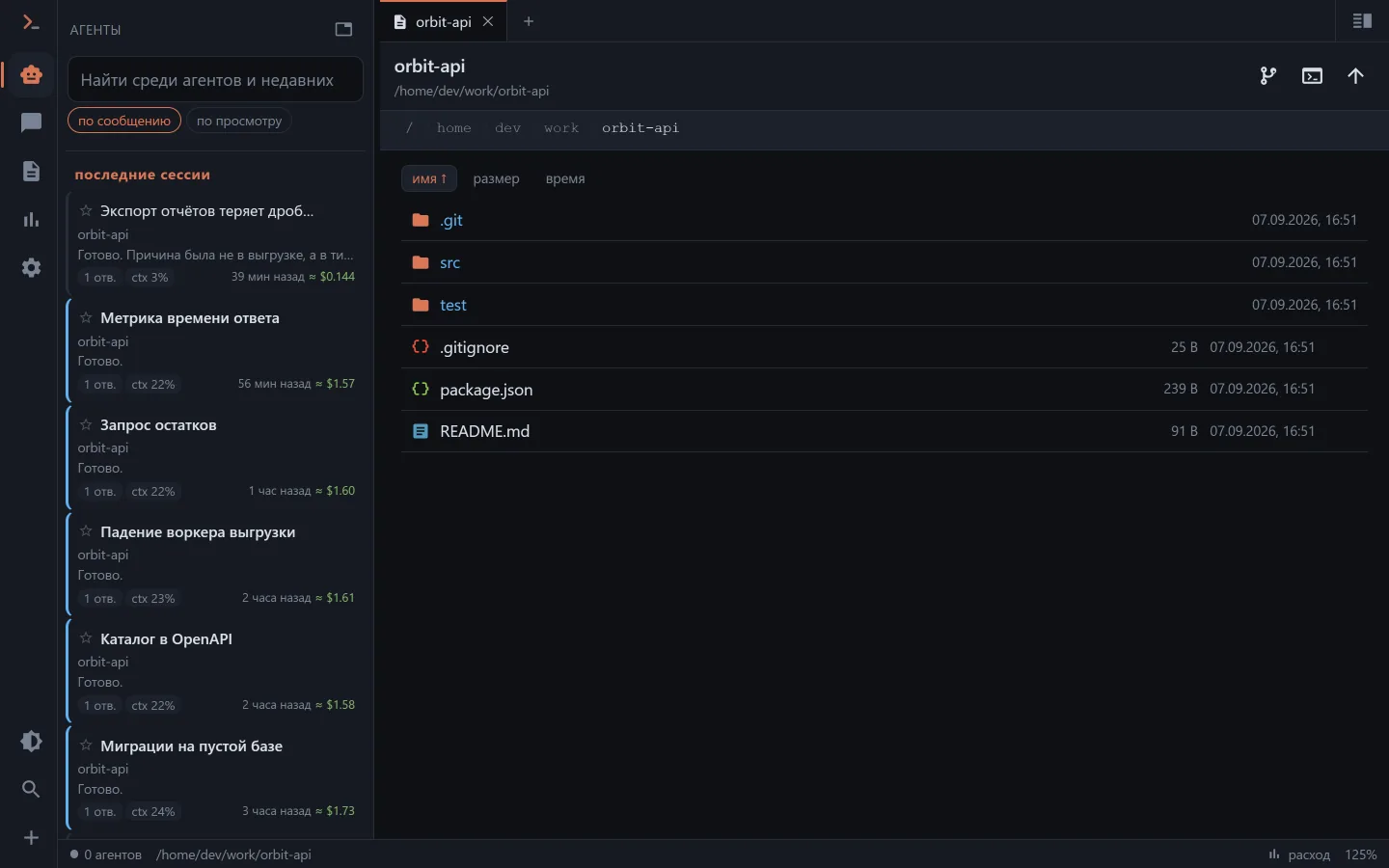
How to get here
- the 📁 icon in the chat header — the working directory is already known;
- the 📄 icon on a
Read/Write/Editcall line in the feed; - the address
/files?path=<directory>.
For a partial Read exactly the piece the model read is opened — not the whole file with the place guessed.
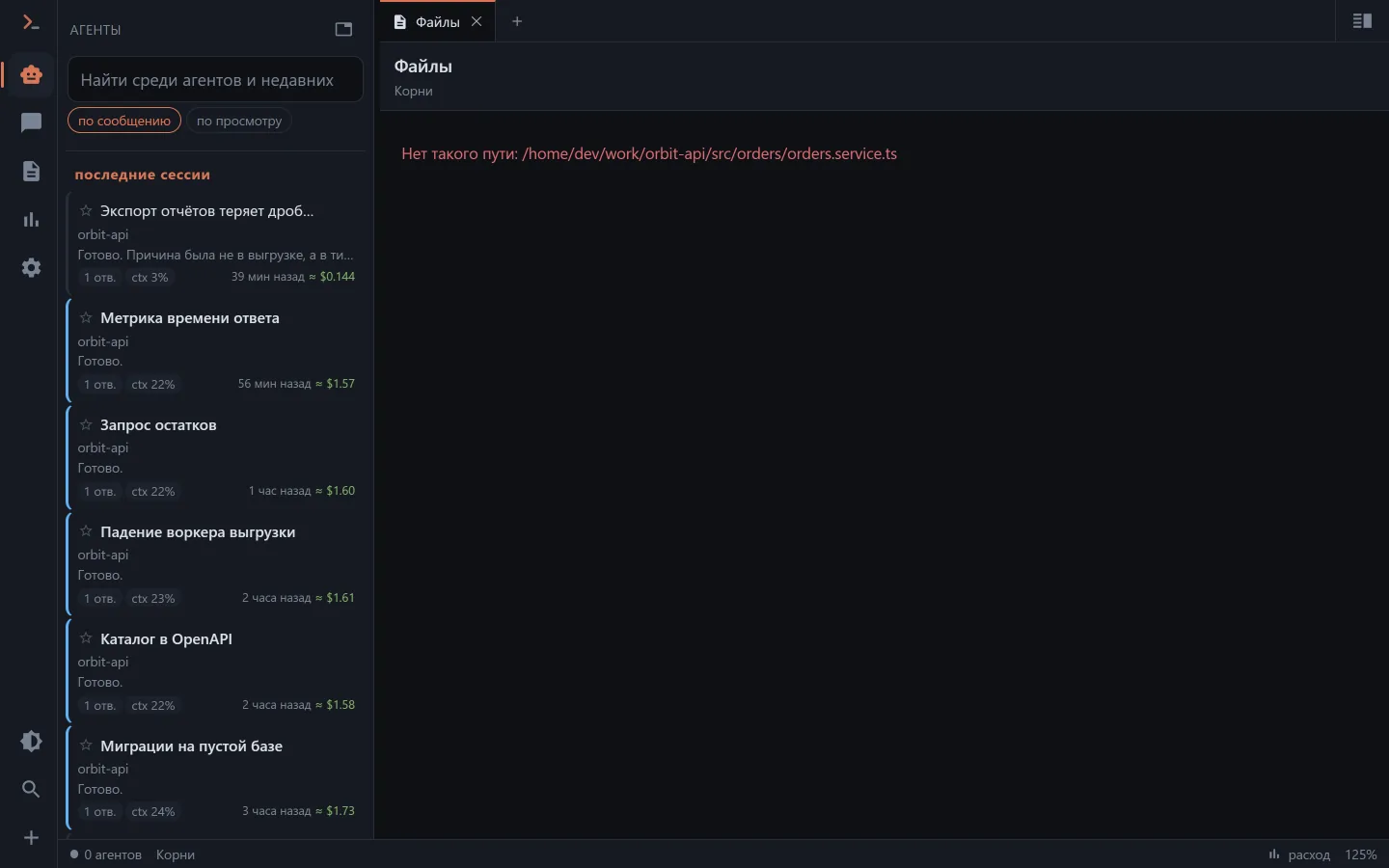
A screenshot the agent took along the way opens from there as well: its temporary directory is always readable, even though it isn't among the working roots.
Images from messages open full-screen with zoom.
Files can be put in, too
The browser header has three buttons — "Upload files", "Upload folder" and "New folder". In the web UI a file or a whole folder can also be dropped onto the list: the container highlights and says where the dropped thing will land. A folder travels with its structure, not as a scattering of files.
Putting material in for the work — a log, a screenshot, an export — is an everyday thing, so uploading is here for everyone allowed to write.
Searching file contents
The magnifier in the directory header opens a search line above the list: text is searched in every file of this directory and below. .gitignore is respected, so node_modules and build output don't get in the way. Case is "smart" — lowercase searches case-insensitively, a capital letter turns case on; "Aa" turns it on strictly, and regular expressions are optional.
Matches are grouped by file, tapping a line opens the file right at it, and "back" returns to the results. If the machine has no ripgrep, search still works, just slower and without .gitignore — the line under the search says so.
Editing a file
A text file has an "Edit" button — fix a typo or a config line without starting a chat with the agent for it. Big edits are still better handed to the agent.
- Save with the button or Ctrl+S / ⌘S; closing with unsaved changes asks first.
- If the agent changed the file while you were editing, Clauder won't silently overwrite it: it offers "Reload" (take the fresh version) or "Overwrite" with yours.
- Only a regular text file up to 2 MB can be edited. A read-only key doesn't see the button, and a scoped key edits only inside its own projects.
A directory as one archive
Instead of "download", a directory has a zip button: the server packs the directory on the fly, without temporary files, respecting .gitignore — node_modules and build output don't go into the archive. A directory that is too big (over 20,000 files or 2 GB) answers right away with a clear refusal instead of a broken download.
A path from the model's speech is a link
The model constantly writes paths in plain text: "the fix is in web/app/utils/i18n.ts", "see api/src/main.ts:42". Such a path in the feed became a link — it opens the file in the file browser, and with a line number it scrolls to the right place. No more copying it by hand.
An image the model inserted as  is shown as an image, not as a broken-image icon.
Diff
GET /api/files/diff computes the difference for one file — it is drawn both in the file browser and in the chat feed with the same signs and colours as on the git screen. A deleted file can't be shown here: it isn't on disk, and that is what the git screen is for.
Boundaries
What can be looked at and edited is set by the allowed roots (AGENT_WORKSPACE_ROOTS / the "Agent" section in the settings) and by the access key's scope. A path from a request passes through one and the same gatekeeper, so a directory you may not look into won't open from here, nor from the git screen, nor from the terminal.